Features

Built for the moments nobody planned.

WholeScene brings event access, collaborative photography and an organised event library into one experience built around real people and real moments.
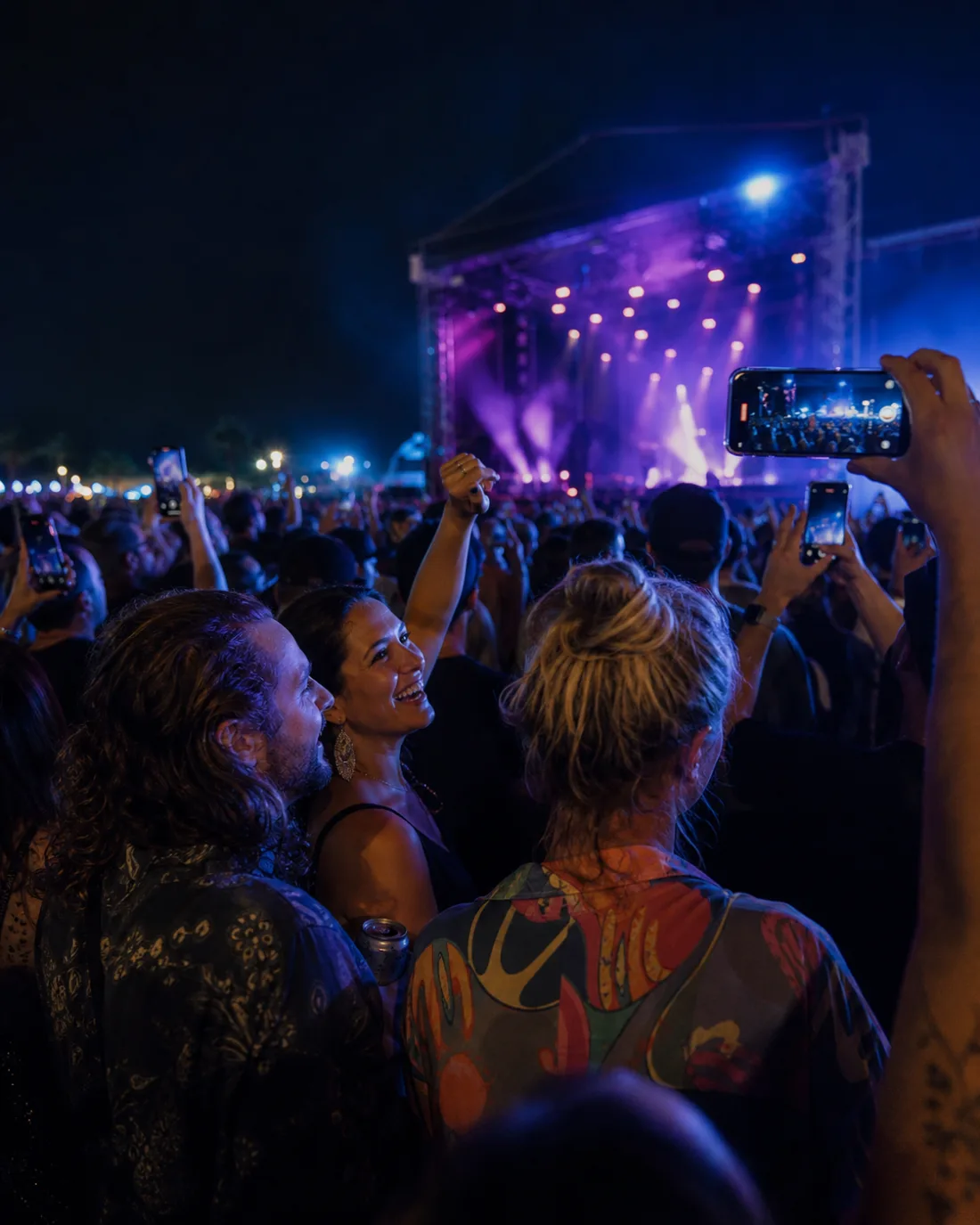
Friends capturing an unplanned festival moment from within the crowd
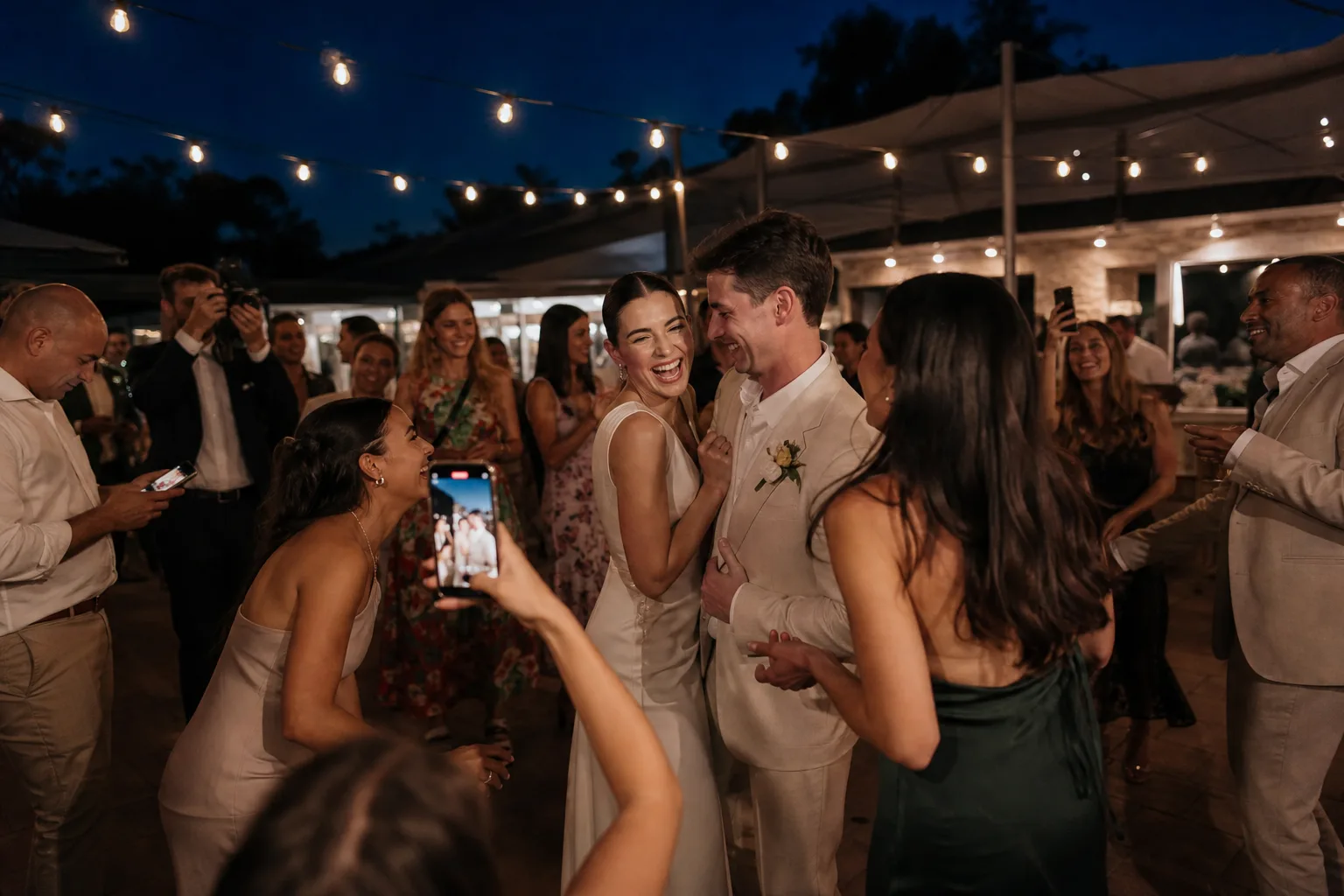
A candid wedding dance-floor moment
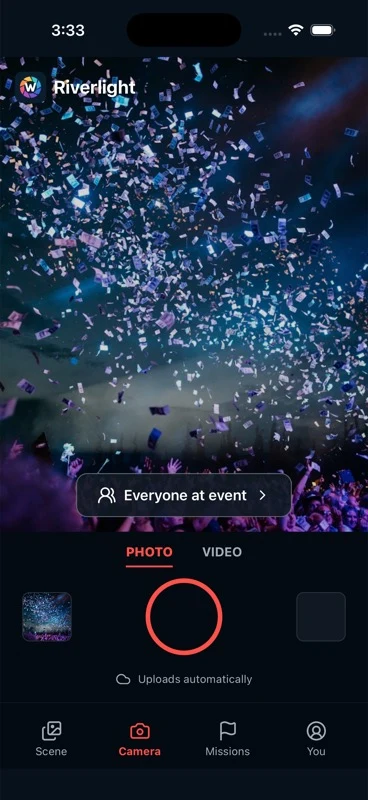
WholeScene camera preview

More focused than a group chat. More event-aware than a shared folder.

The difference is not one isolated feature. It is the way access, capture, audience choice and the event library work around the same scene.

Access

Start with one quick scan.

Event invitations and QR access guide guests into the event join flow. Organiser settings, guest-list signals and location-aware confidence can add useful context without being presented as foolproof identity systems.

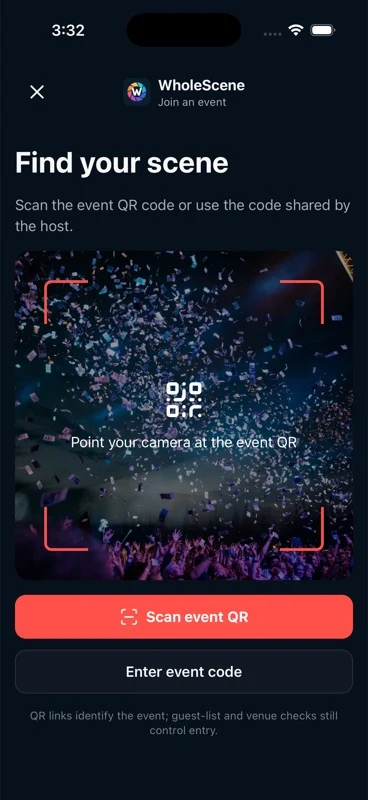
  • QR and invitation access
  • Organiser-managed entry
  • Location as one additional confidence signal
Guests arriving at an organised corporate event
WholeScene event join preview

Capture

Take the photo inside the scene.

Capturing within the event experience helps associate a contribution with the correct event and reduces the steps between noticing a moment and adding it to the collection.

  • Event-associated capture
  • Fewer hand-offs between apps
  • Transfer timing remains subject to network conditions
Spectators capturing action and reactions at a sporting event
WholeScene camera preview

Audience controls

Choose who a contribution is for.

A guest can indicate whether supported content is intended for the event or only for its organiser. A clear choice at capture time makes the audience visible rather than assumed.
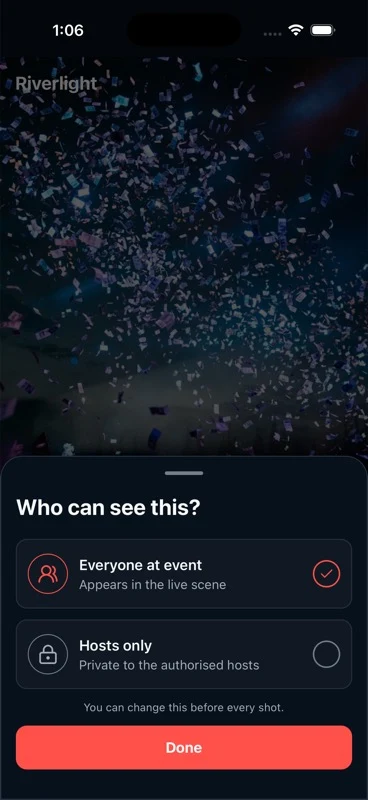
  • Event-visible contribution
  • Organiser-only contribution
  • Audience follows the event's available settings
WholeScene audience choices preview

Event library

Many contributors. One event collection.

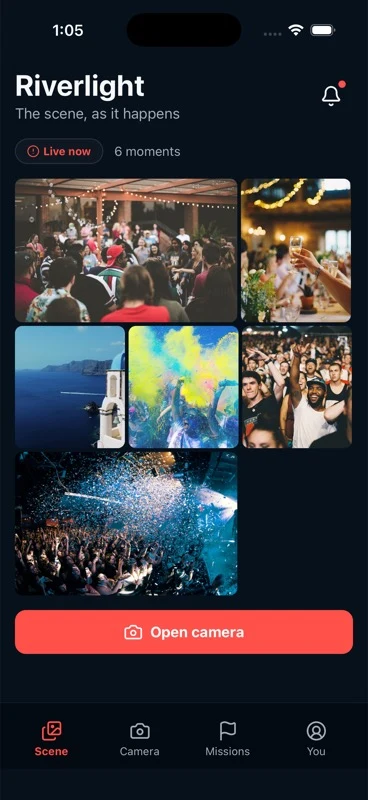
Confirmed photo contributions collect around the event they belong to, giving the organiser one place to review the perspectives that arrived.
  • One event-specific destination
  • Photos associated with the event
  • Organiser review of the collected library
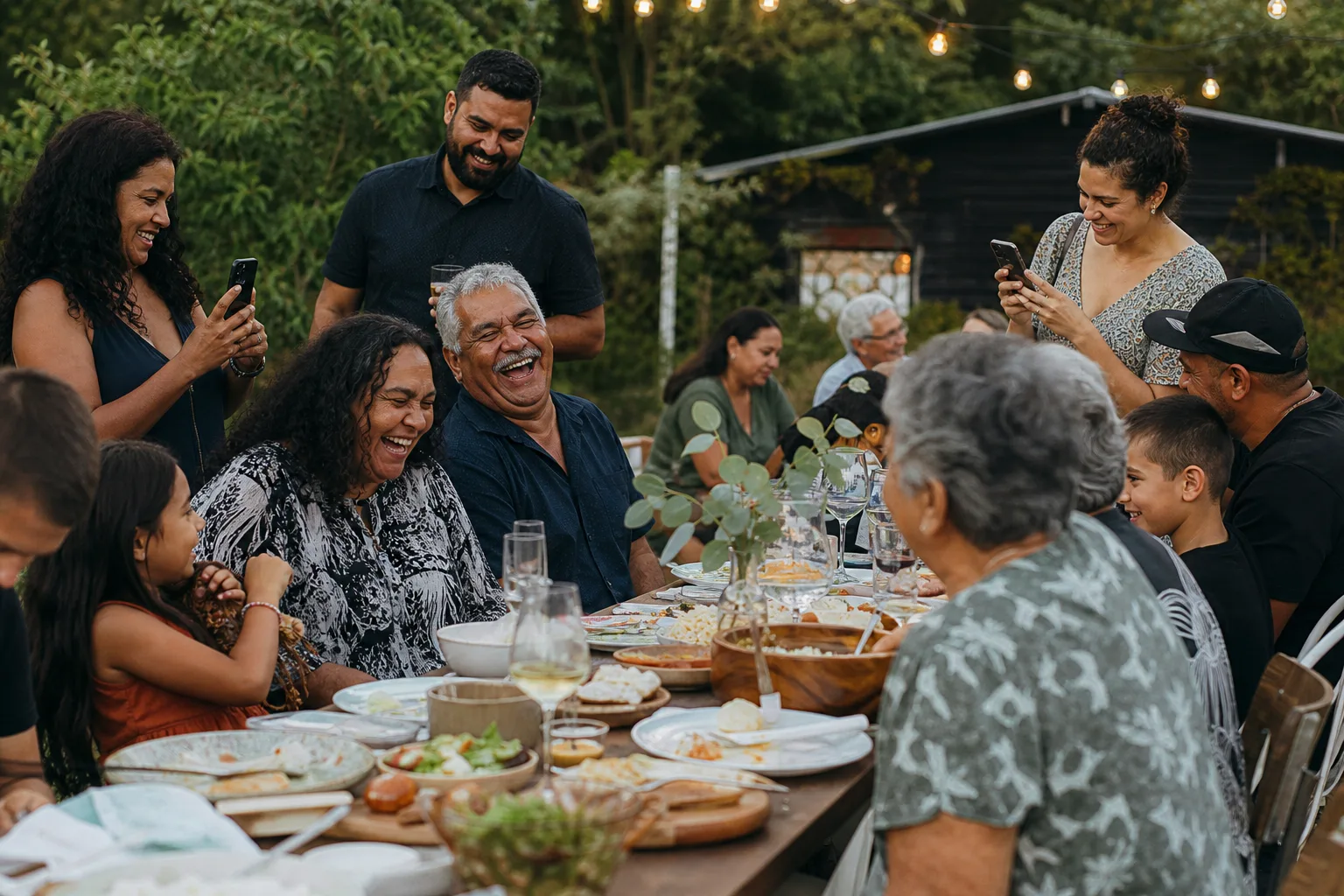
Wedding perspectiveBirthday perspectiveSport perspectiveFamily reunion perspective
WholeScene event library preview

Sharing

Contribute first. Share deliberately.

Participants can explicitly share selected photos externally where supported. Sharing remains a deliberate action rather than automatic publication.

  • Selected external sharing where supported
  • No automatic publication
  • Audience choice remains explicit
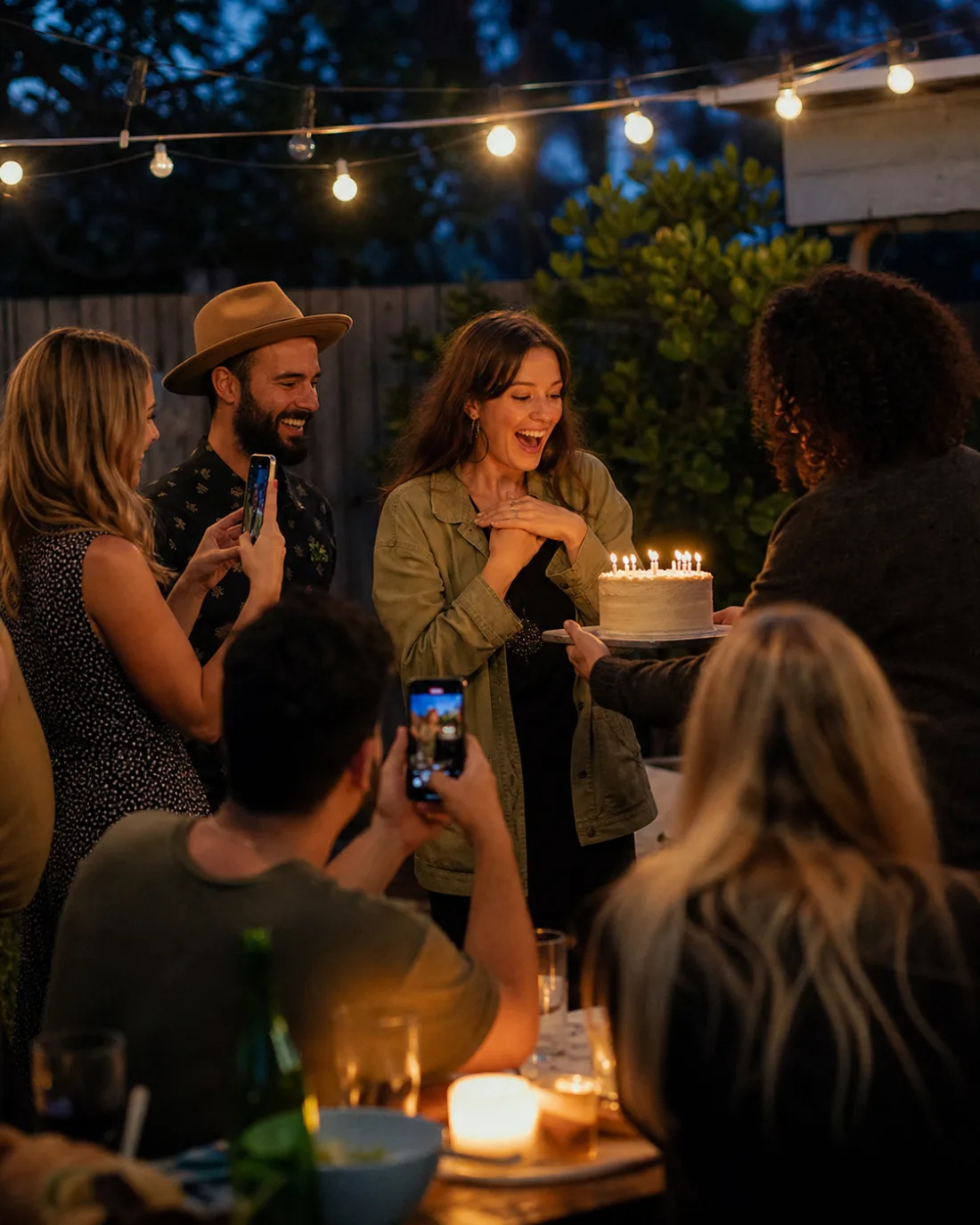
Friend capturing a birthday reaction
Friends sharing a festival moment
Candid wedding guest perspective
Celebration beside a sporting event

Photography

The setting changes. The focus stays human.

WholeScene is built around the photographic perspectives people contribute at weddings, corporate events, sport and festivals.

  • Wedding
  • Corporate
  • Sport
  • Festival
Wedding guest perspective
Corporate event perspective
Sporting event perspective
Festival guest perspective

The organiser holds the wider view.

WholeScene keeps event-level choices with the organiser while keeping the guest experience focused. Available options will be described with the released event package.

Organiser options

Shape and oversee the event

  1. Set up the event
  2. Guide guest access
  3. Choose available audience settings
  4. Review the event library

Guest focus

Stay close to the moment

  1. Join the event
  2. Capture
  3. Choose an audience
  4. Contribute
  5. Share selected photos where supported

Not another social network.

Join the event. Capture the moment. Contribute to the scene.

The guest interaction stays deliberately small. There is no need to manufacture a public persona or begin a new feed just to share a photo with the people who were there.

The features serve the scene—not the other way around.

Coming soon to iPhone and Android.

Coming soon to iPhone and Android.

Friends contributing different festival perspectives
WholeScene event library preview