
Guest
Be part of the scene
- Scan
- Join
- Capture
- Choose audience
- Share selected photos where supported
How it works
Create the event, bring everyone in, capture every photographic perspective and finish with one organised event library.
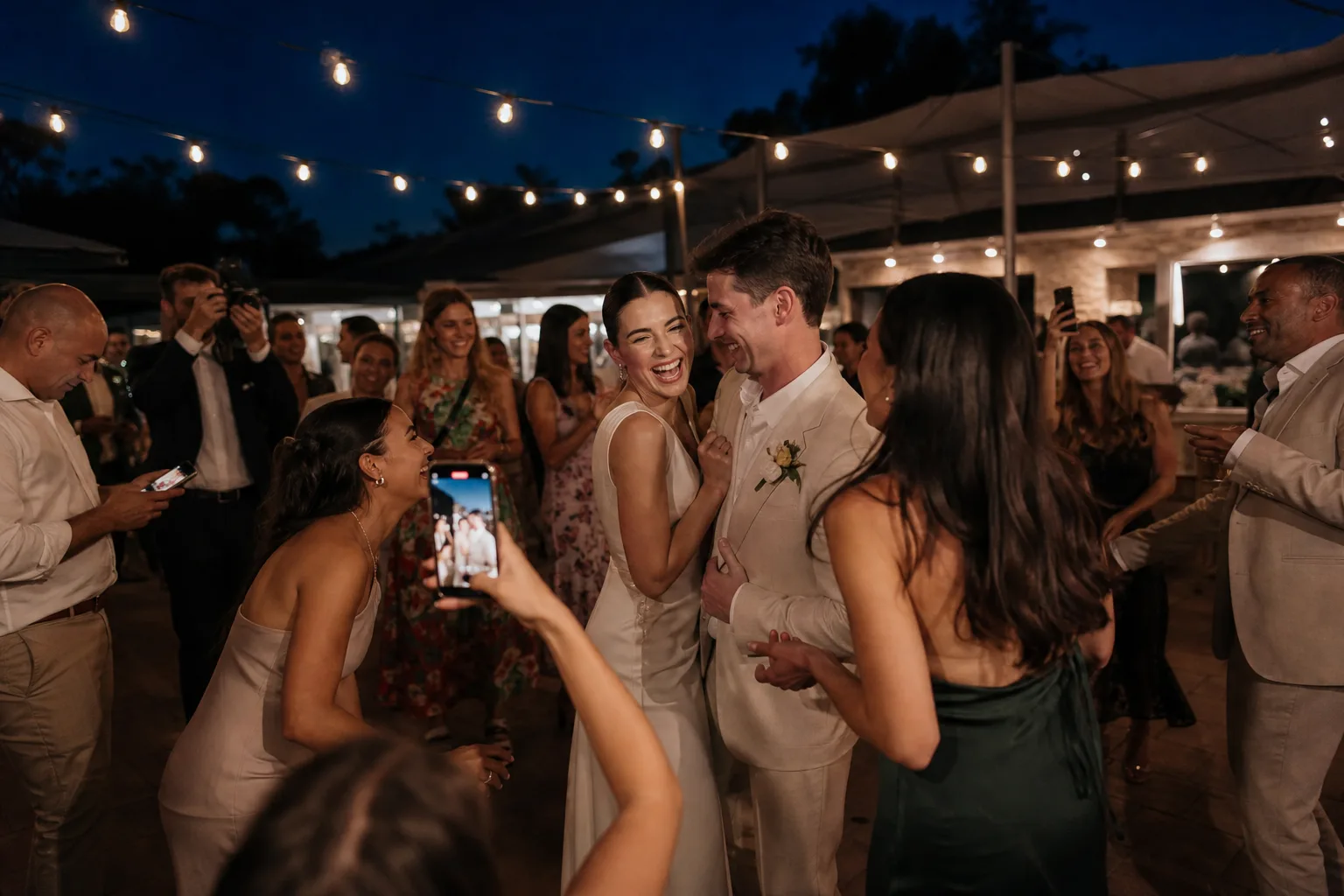
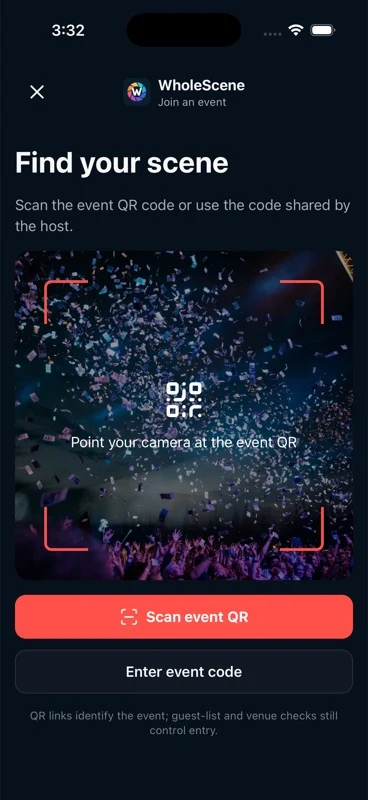
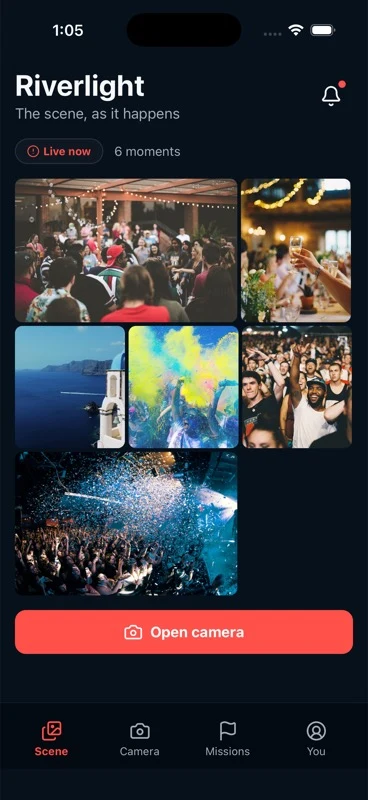
One event. Two simple journeys. Every contributed perspective arrives in the right place.
01 — Organiser
Start with the event details and choose the settings that suit the gathering. The exact options can evolve without changing the guest journey.

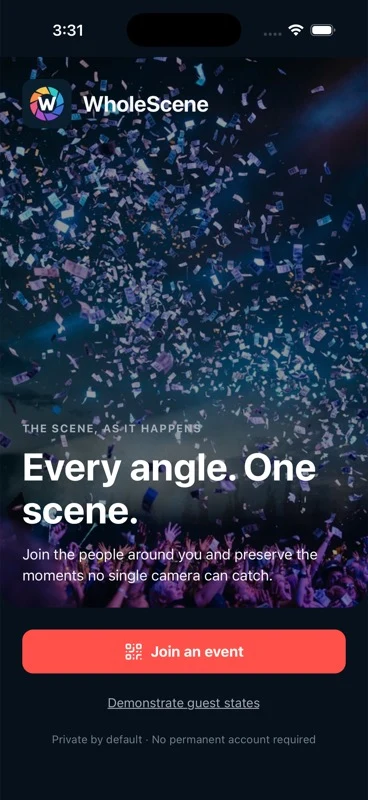
02 — Everyone
Share the event invitation or place its QR code where guests can scan it. Both routes are designed to take people into the correct event with little explanation.
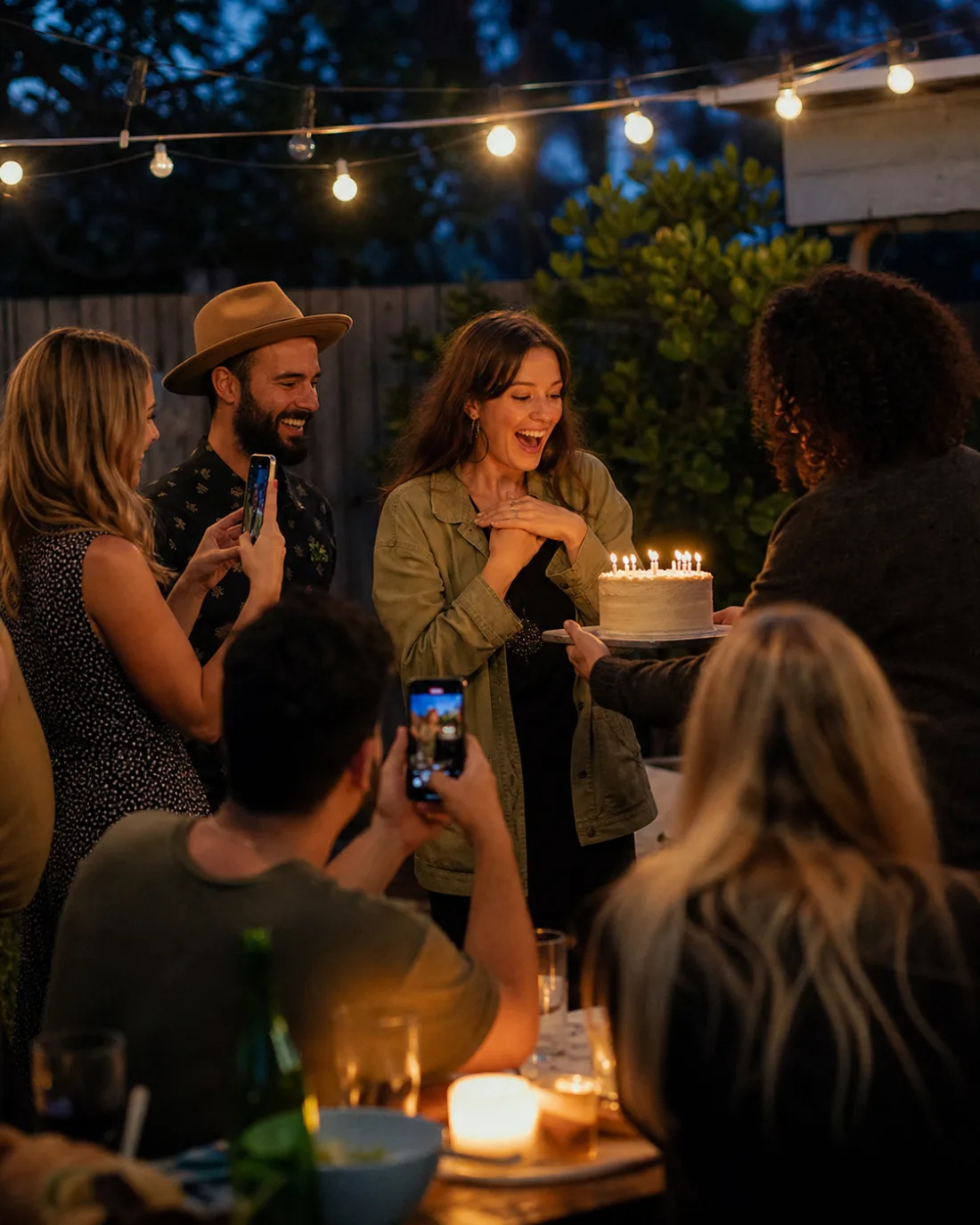
03 — Guest
Organiser-managed access, guest verification signals and location-aware confidence can help the right people enter the event. These are useful controls, not absolute proof of identity or attendance.
04 — Every perspective
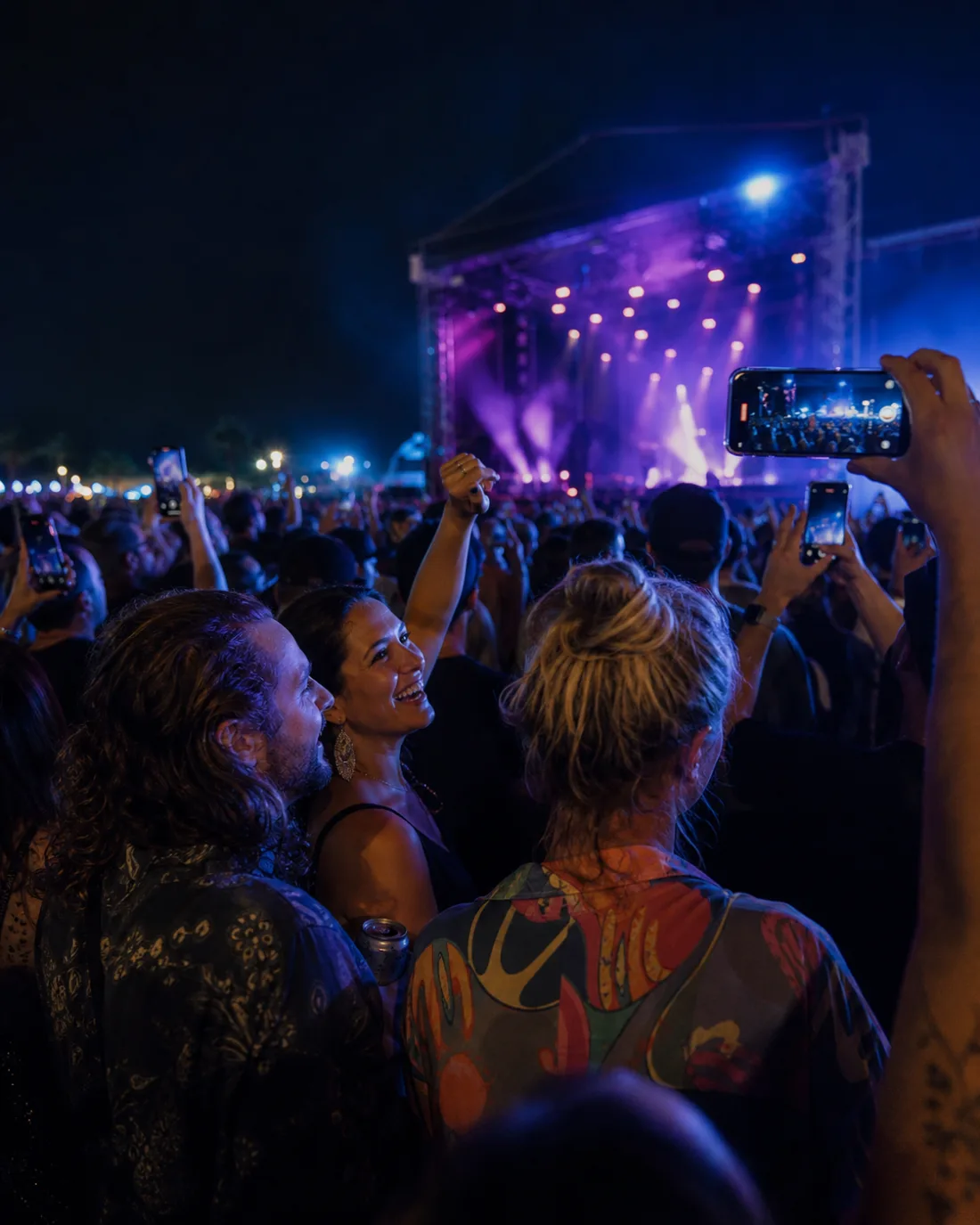
One guest sees the speech. Another catches the reaction. Someone else is already on the dance floor. Multiple perspectives become the WholeScene.
05 — Guest choice
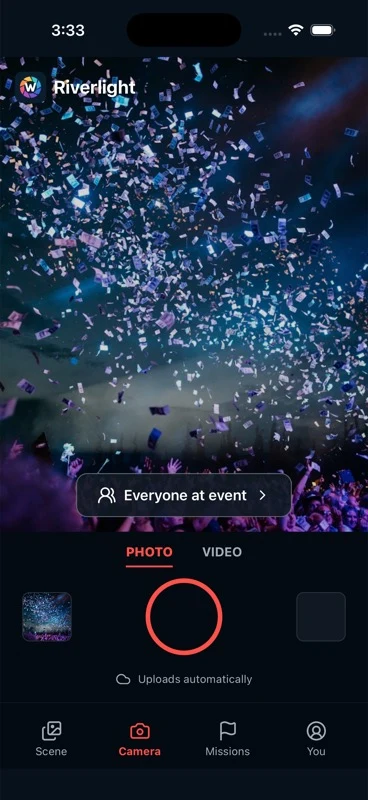
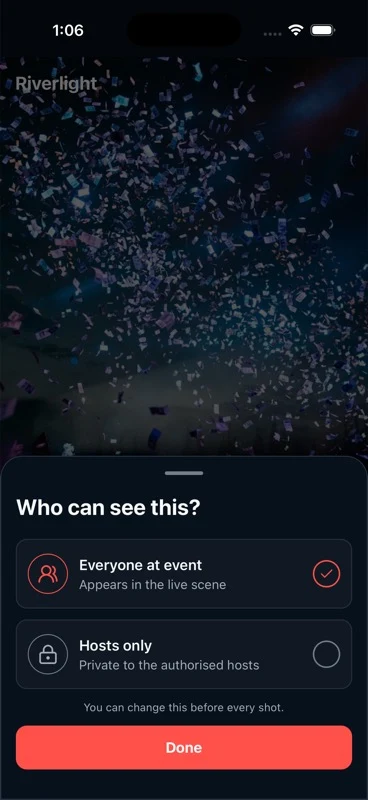
For supported events, a guest can choose whether a contribution is intended for the event or only for its organiser. The choice stays close to the moment of capture.
06 — WholeScene
Confirmed photo contributions collect in one event-specific library instead of remaining scattered across camera rolls and conversations.

07 — Organiser value
The organiser returns to a photo collection that has already been forming throughout the event, ready to review without first chasing every guest.
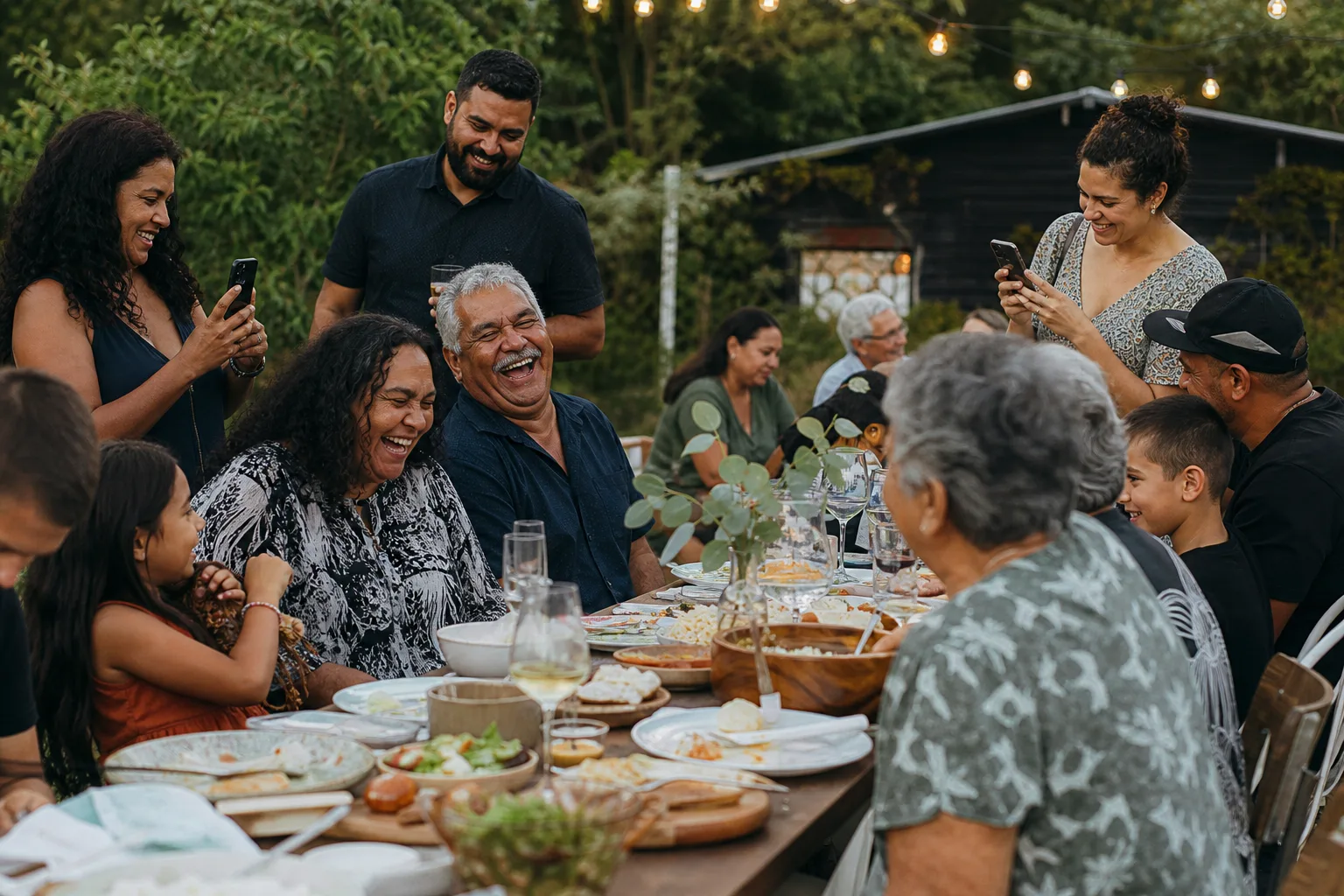
Guests contribute with low friction. Organisers shape the event and receive the greater level of control.
Guest
Organiser
Quick answers for guests and organisers.
No. Guests participate free, while organisers purchase an event package.
An organiser can direct guests to the event through an invitation or QR code. Access controls and verification signals can then help manage entry.
The experience is designed to support organiser-only contributions alongside event-visible contributions, where available for the event.
Yes. It is designed for many kinds of gathering, including birthdays, corporate events, sport, festivals and family reunions.
Network conditions can affect transfer timing. Guests should keep their original photos until a contribution is confirmed.
Coming soon to iPhone and Android.
Coming soon to iPhone and Android.